
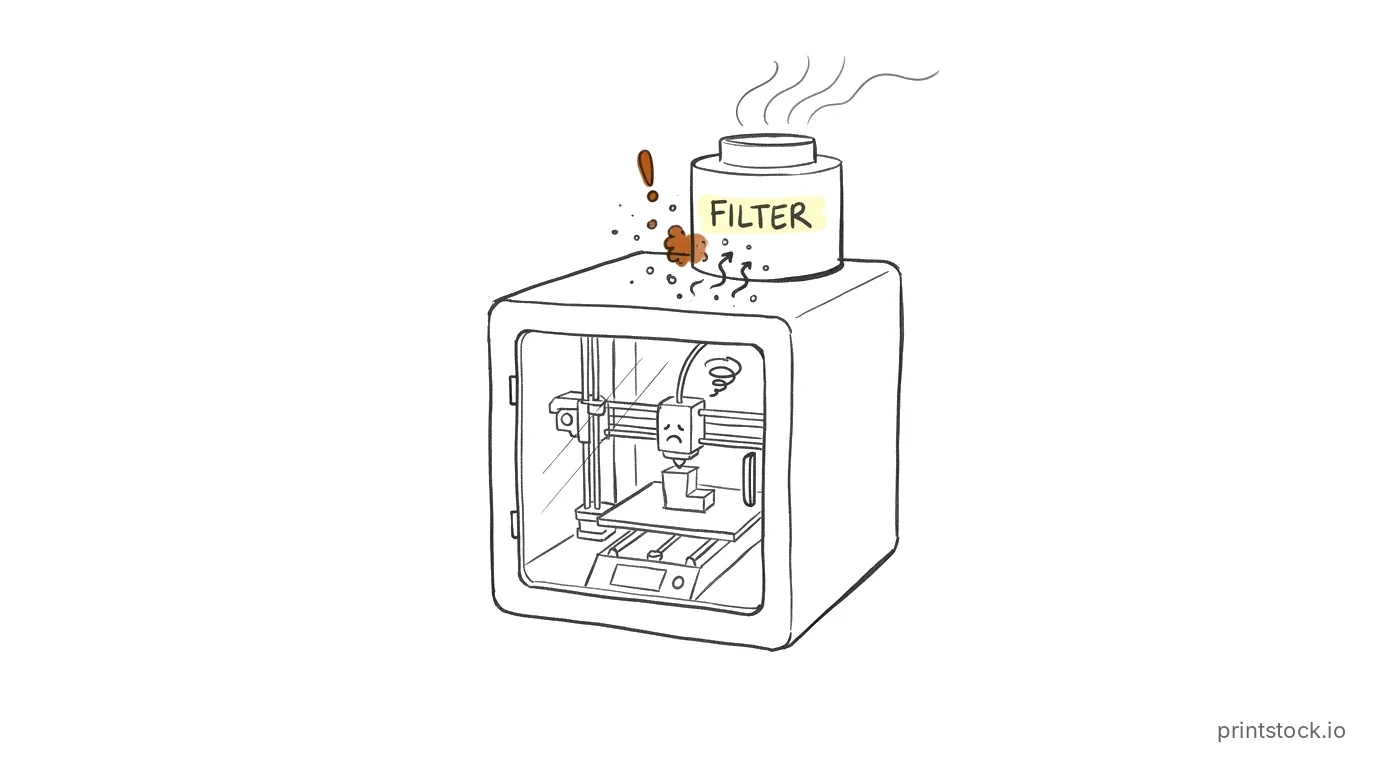
Most new printers ship as closed boxes, and older open-frame owners wonder whether they are missing something. The honest answer depends on what you print. An enclosure solves one problem very well, warping, and helps with a second one, fumes, only when it is paired with filtration or a vent.
What does a 3D printer enclosure do?
An enclosure keeps the air around a print warm and still. The heated bed warms the inside of the box, and the walls block draughts. That slows how quickly each layer cools, which is what stops warping materials from curling and cracking.
Prusa's enclosure documentation lists its jobs: a stable, warmer environment for materials such as ASA, PC-CF and PP that tend to warp, protection from draughts, less dust on moving parts, and containing odours from some materials. It also lowers noise and, with a lock, keeps hands away from hot and moving parts in schools and shared spaces.
What an enclosure does not do is clean the air. That needs a filter or a vent, covered below.
Which materials need an enclosure?
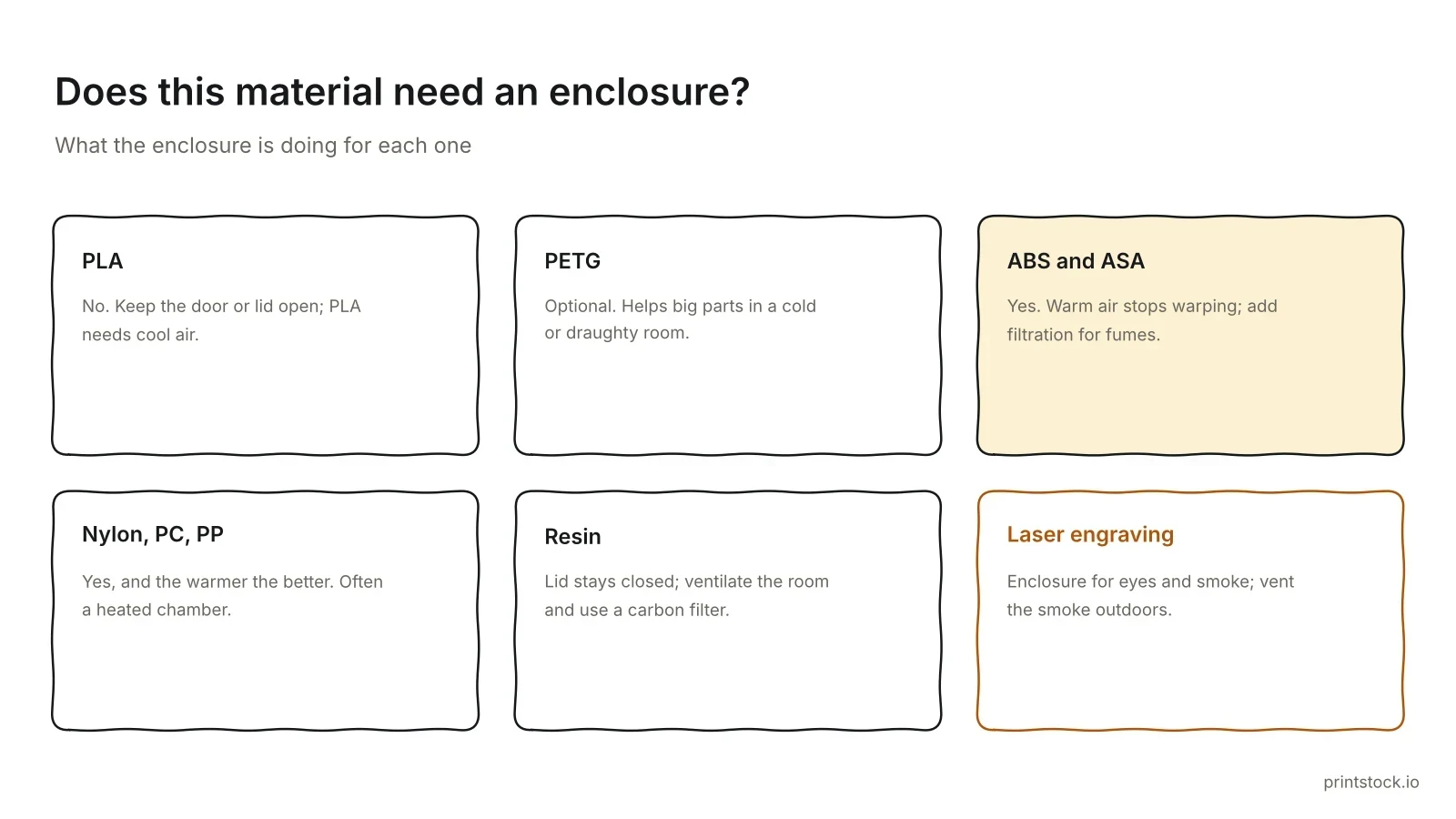
- PLA: no. PLA needs cool air to set quickly. In a warm closed chamber it can sag and soften inside the extruder. Bambu Lab's material table recommends removing the top glass cover for PLA once the bed is above 45 °C.
- PETG: rarely. It prints fine in the open. An enclosure helps on large parts in a cold or draughty room; Bambu Lab suggests opening the top once the bed is above 70 °C.
- ABS and ASA: yes. These are the classic enclosure materials. Without warm air they warp at the corners and split between layers on tall parts. See our print warping guide.
- Nylon, polycarbonate, PP and fibre-filled engineering grades: yes, and many print best with an actively heated chamber.
- Resin: the printer's own lid keeps light and dust out; the room needs ventilation for the smell. See resin vs filament.
If you only print PLA and PETG, an enclosure is a convenience, not a requirement. If you want ABS or ASA for heat-resistant parts, it is the single biggest upgrade.
Are 3D printer fumes harmful?
Every filament printer releases some ultrafine particles and volatile organic compounds (VOCs); how much depends on the material, the brand and the temperature. The most thorough public research comes from Chemical Insights, part of UL Research Institutes. Its 3D printer safety guidance explains that ultrafine particles are small enough to be inhaled like a gas and that ABS filaments typically have higher emissions than nylon, followed by PLA.
Its guidance comes down to a few habits, plus one of our own:
- Bring in fresh air: print in a ventilated room, not a bedroom or a small closed office.
- Prefer lower-emitting materials such as PLA when the part allows it.
- Use the filament types the printer maker specifies, at the temperatures it recommends.
- Keep your distance while the printer runs rather than watching from up close for hours.
An enclosure helps here only as a container: it keeps fumes in one place so a filter or a vent can deal with them.
HEPA, carbon or venting outdoors?
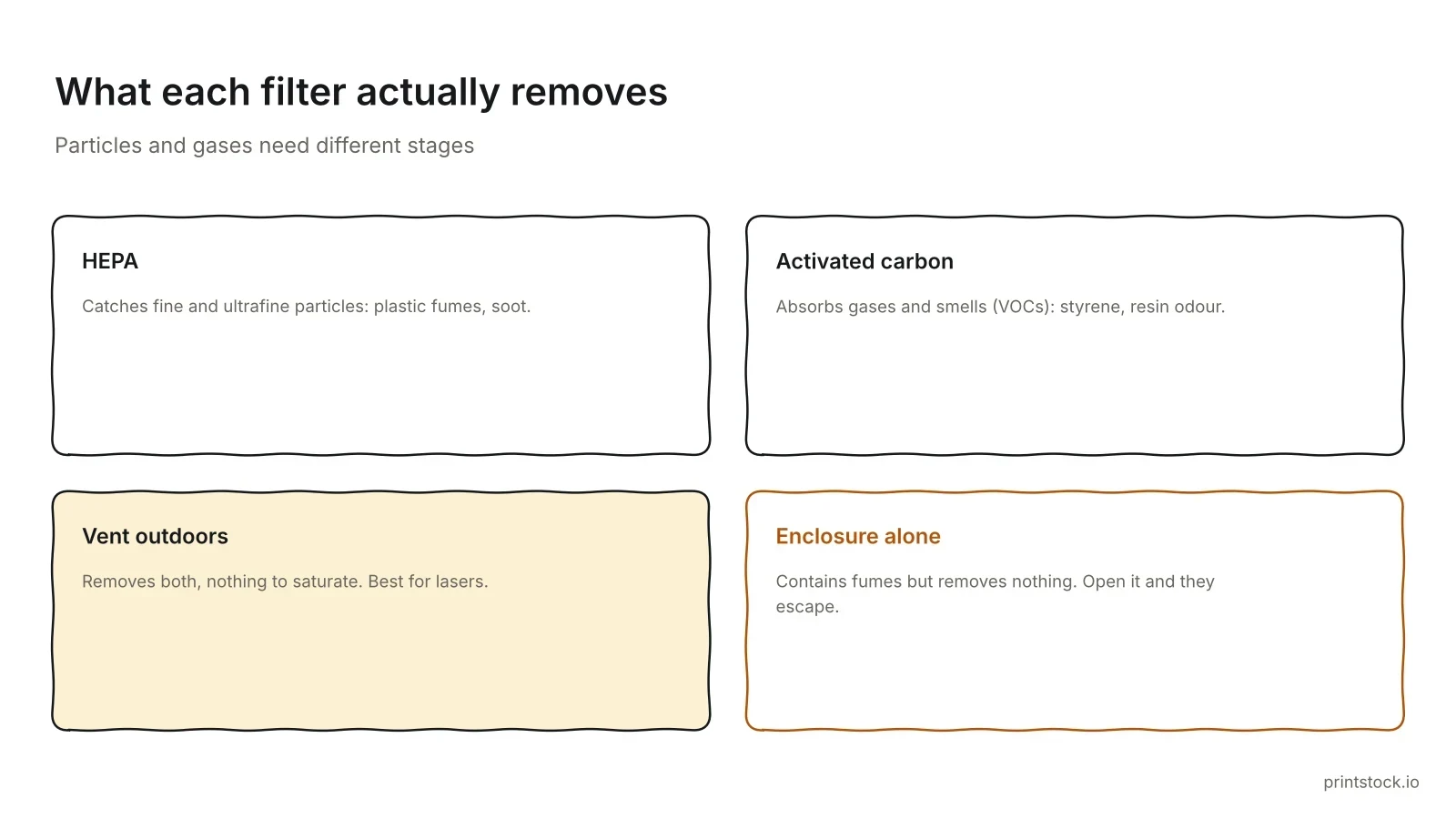
Particles and gases need different solutions.
- HEPA filters trap fine and ultrafine particles: the smoke-like particles from melted plastic and the soot in laser smoke. Prusa's filtration units pair a HEPA filter rated at 99.9 % efficiency with activated carbon.
- Activated carbon absorbs gases and smells, such as the styrene smell of ABS and resin odour. It does nothing for particles.
- Venting outdoors through a duct to a window removes both and never saturates. It costs least to run and is the standard for laser engravers.
A filter that returns air to the room suits places where you cannot run a duct. Venting suits a workshop with a window. Many people combine them: filter inside the enclosure while printing, then vent or air the room afterwards.
Fitting a filter or exhaust
- Place the unit close to the machine and keep hoses short.
- Seal the joints with the supplied clamps or tape; a leaky joint pulls in room air instead of fumes.
- For venting, run the duct to a window kit with as few bends as possible; every bend reduces airflow.
- Run the machine and check for smell at the joints and around the door.
- Leave the filter or fan running for a few minutes after the job ends to clear the chamber.
When to replace filters
Filters do not last forever, and carbon gives no visible warning.
- Follow the maker's interval. Prusa estimates its Advanced Filtration System lasts at least 600 hours of runtime; on the XL with its enclosure, filter life shows in the printer menu.
- Smell coming back while printing means the carbon is saturated.
- Visible dust or discolouration on a HEPA stage means it is loading up.
- Write the install date on each new filter.
Carbon cannot be reliably washed or recharged at home; replace it.
Practical tips for enclosed printing
- Keep electronics cool. If you build your own enclosure, keep the power supply and control board outside it or ventilated; they are not made for a 50 °C box.
- Use fire-resistant materials for a home-made enclosure, and put a smoke detector in the room. Unattended printing always carries some fire risk.
- Leave the door shut while ABS cools, so the part does not crack as the chamber cools quickly.
- Open up for PLA every time, or you will chase heat creep and soft, droopy prints.
Lasers and resin are different
Laser engravers need fume extraction more than any printer. Burning wood, leather or acrylic produces thick smoke, and some materials release dangerous gases. Vent laser smoke outdoors, and never cut materials the maker forbids. See our laser engraver guide for safety and lens care.
Resin printers mainly need room ventilation and a carbon filter for the smell; skin contact with liquid resin is the bigger day-to-day hazard. Wear nitrile gloves.
Where to go from here
If your ABS or ASA prints still lift inside an enclosure, see print warping. For choosing a filament in the first place, read PLA vs PETG vs ABS.