$35 as of Nov 12, 2026Check price
Flashforge
Flashforge Adventurer 5M
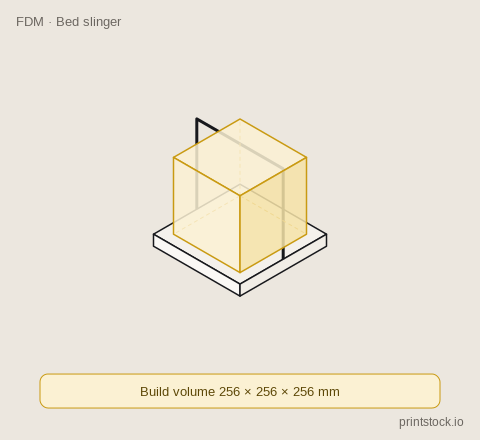
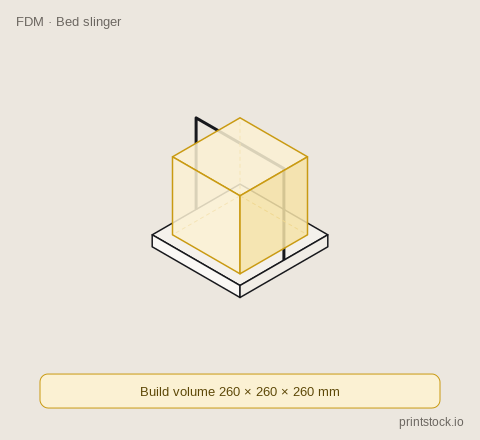
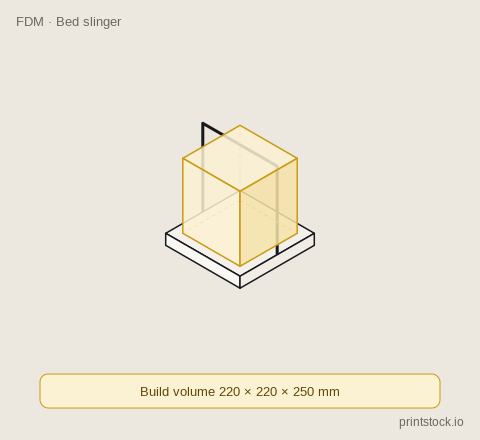
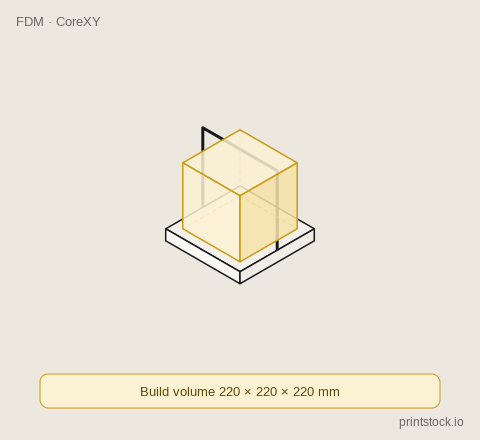
FDMCoreXY220 × 220 × 220 mm
Open-frame CoreXY from Flashforge (2023): 220 × 220 × 220 mm, 600 mm/s, 280 °C quick-detach nozzles, fully automatic leveling. One of the cheapest CoreXY printers.
- Highest rated speed of the 20 FDM printers under $300 we list
- Most nozzles of the 21 FDM printers under $300 we list
Where to buy
Prices as of Nov 11, 2026Taxes, shipping and any import duties are worked out by the store at checkout and depend on your country; ask the store if in doubt.
Store links may be affiliate links: we may earn a commission, and it does not change your price. Affiliate disclosure
Overview
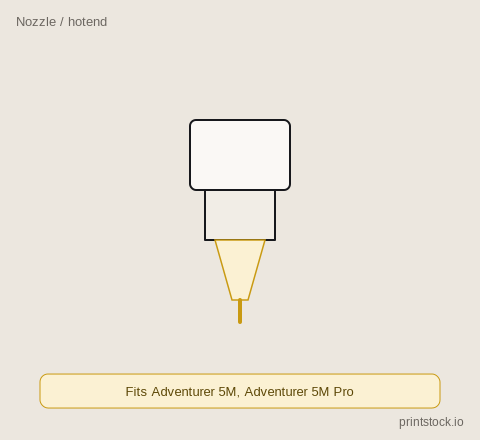
The Flashforge Adventurer 5M, released in 2023, brought CoreXY motion down to the price of a bed slinger. Because the bed only moves in Z, it prints with less ghosting than an Ender-style printer, and an all-metal frame keeps it stiff at speed. Quick-detach nozzles in four sizes swap by hand, the bed levels itself, and it connects over Wi-Fi or Ethernet.
Flashforge advertises 600 mm/s and 20,000 mm/s² acceleration, but reviewers measure practical speeds of 200 to 300 mm/s, limited by hotend flow. That is still far faster than older budget printers. Its sibling, the Adventurer 5M Pro, adds a full enclosure, camera and air filter; the 5M can take a DIY enclosure kit.
The open frame is noisy at speed and not suited to ABS or ASA without an enclosure. Printer Hub also notes PEI adhesion can be weak for thin first layers, TPU needs to print slowly, and the base model has no camera or light. Prices have dropped to around $200 to $250.
Best for
- Fast PLA and PETG printing on a budget
- Beginners wanting automatic leveling and quick nozzle swaps
- A cheap second printer for small batches
Look elsewhere if
- You print ABS or ASA: the enclosed Adventurer 5M Pro suits that
- You need multi-color: look at the Flashforge AD5X or Bambu A1
Before you buy
- Expect 200 to 300 mm/s in real prints, not 600.
- Buy spare quick-detach nozzles; they are model-specific.
- Use glue stick if thin first layers lift.
- An enclosure kit is sold separately.
Pros and cons
Pros
- CoreXY at a bed-slinger price
- Quick-detach nozzles
- Automatic leveling and Wi-Fi
Cons
- Noisy open frame
- No camera or light
- Practical speed below the headline
What owners like
Fast, beginner-friendly setup
Often praisedOwners report it is ready to print in about 15 minutes and fast for the price.
Easy upgrade path to the Pro
Noted by some ownersOwners note it can be upgraded to the Pro configuration.
Collected the same way as known issues: from independent reviews, owner reports and public discussions, merged and grouped.
Known issues
Last reviewed Nov 13, 2026Popular models have longer lists simply because more people own them and talk about them. Severity and status show how much each problem matters today.
Extruder cable disconnect (E0002)
Moderate (affects prints)Workaround availableBoth temperatures read 0 degrees C when vibration loosens the extruder cable; reseat or replace it.
Bed sticker delaminates
Moderate (affects prints)Still reportedThe magnetic sticker bubbles and warps at high bed temperatures and the whole platform has to be replaced.
Firmware freezes mid-print
Moderate (affects prints)Workaround availableA firmware bug can freeze the printer and touchscreen; updates are patching it.
First-layer adhesion and open-frame limits
Minor (annoyance)Workaround availableOwners report weak PEI adhesion for thin first layers, noise at speed, ABS and ASA problems without an enclosure, slow TPU and occasional Wi-Fi drops.
Proprietary nozzles
Minor (annoyance)Still reportedStandard V6 and MK8 nozzles do not fit, only Flashforge's quick-swap nozzles.
Unstable Wi-Fi and large-file limit
Minor (annoyance)Workaround availableCloud connections drop and Wi-Fi uploads over about 25 MB fail; use Ethernet or USB.
Loud
Minor (annoyance)Still reportedOwners describe the printer as very loud.
How we build this list: we collect independent reviews, owner reports and public discussions on forums and social networks, merge duplicates and group them by cause. Only serious or recurring problems make the list, so a single complaint will not appear here, and a listed problem does not mean every unit is affected.
Specs
Printing
- Type
- FDM
- Build volume
- 220 × 220 × 220 mm
- Kinematics
- CoreXY
- Max speed
- 600 mm/s
- Max acceleration
- 20,000 mm/s²
- Multi-color
- No
- Nozzles / toolheads
- 1
Extruder and bed
- Extruder
- Direct drive
- Stock nozzle
- 0.4 mm (0.25, 0.6 and 0.8 mm)
- Nozzle / hotend
- Quick-release nozzle
- Max nozzle temp
- 280 °C
- Filament
- 1.75 mm
- Build plate
- Flexible PEI steel plate
- Max bed temp
- 100 °C
- Bed leveling
- Automatic
- Enclosure
- No
Control and sensors
- Screen
- Touchscreen, 4.3 in
- Features
- Input shapingPower-loss recoveryFilament runout sensor
Files and setup
- Arrives
- Partly assembled (quick setup)
Motion
- Frame
- CoreXY, all-metal
From maker and store specifications, checked Nov 12, 2026. Power, size, network and warranty are in their own blocks below.
Power and setup
Electricity
- Rated power
- 350 W
Network and cloud
- Works without internet
- Yes, fully (SD card / USB / LAN)
- Maker account
- Only for cloud / remote features
- Local control for other software
- Limited or behind a special mode
- Slicers from other makers
- Supported
- Note
- Prints over Wi-Fi or from a USB drive. Flashforge's Orca-based slicer sends jobs through its cloud (WAN mode, Flashforge account) or directly in LAN Only mode; the Flash Maker app needs the cloud. Third-party tools reach it in LAN-only mode with the LAN access code. No camera as standard; Flashforge sells an add-on camera kit.
Space and room
- Size (W × D × H)
- 363 × 376 × 413 mm
- Weight
- 10.8 kg
On a standard power circuit
- US 15 A / 120 V standard circuit: fine, and about 1,050 W stays free for other things on that circuit while it heats up
- EU/UK 16 A / 230 V standard circuit: fine, and about 2,550 W stays free for other things on that circuit while it heats up
Our calculation from the maker's rated power, keeping a circuit at 80% for long loads.
Safety and support
Warranty and repair
- Warranty
- 12 months; 12-month limited warranty on the printer, 3 months on extruder parts; only for authorised dealers and the official store
Running costs
| PLA filament, per kg | Cheapest in our catalog: Elegoo PLA Basic | $9.34 |
|---|---|---|
| Spare nozzle or hotend | Flashforge Adventurer 5M Nozzle Assembly | $35 |
Starter budget: about $293 for the printer at its best listed price, 1 kg of PLA and a spare nozzle.
Cheapest compatible items in our catalog, USD prices as last checked. Prices change; see each item for the date.
Software and firmware
- Slicer / control software
- Orca-Flashforge, FlashPrint, OrcaSlicer
- Firmware
- Flashforge Klipper-based firmware
- Connectivity
- Wi-Fi, Ethernet, USB
Official firmware and downloads ↗ We never host firmware files.
Questions people ask
Adventurer 5M or 5M Pro?
The 5M Pro adds a full enclosure, camera and air filter, which matter for ABS and ASA. For PLA and PETG the open 5M is enough.
How fast is the Adventurer 5M really?
Flashforge rates it at 600 mm/s, but reviewers see practical print speeds around 200 to 300 mm/s due to hotend flow.
Does the Adventurer 5M have auto leveling?
Yes, it levels the bed fully automatically.
Models proven to print on the Flashforge Adventurer 5M
Coming soonFilaments that fit (66)
Matched by PrintStock from published specs: filament diameter, maximum nozzle and bed temperature and enclosure. Not a print test.
- PETG
- Anycubic PETG, Bambu Lab PETG Basic, Bambu Lab PETG Matte, Creality Hyper PETG, Elegoo PETG Pro, Elegoo Rapid PETG, eSUN PETG, eSUN PETG-Matte, Overture High Speed PETG, Polymaker PETG, Polymaker PolyLite PETG, Prusament PETG, Spectrum PETG, Spectrum PETG Premium High Speed, SUNLU PETG, SUNLU PETG 2.0
- PLA
- Anycubic PLA+, Anycubic PLA Basic, Anycubic PLA High Speed, Anycubic PLA Silk, Bambu Lab PLA Basic, Bambu Lab PLA Matte, Bambu Lab PLA Silk+, Bambu Lab PLA Translucent, Creality Hyper PLA, Creality Hyper PLA RFID, Elegoo PLA, Elegoo PLA Basic, Elegoo PLA Matte, Elegoo PLA Pro, Elegoo PLA Silk, eSUN PLA+, eSUN PLA Basic, eSUN PLA+HS, eSUN PLA-Matte, eSUN PLA-Silk Rainbow, Overture Easy PLA, Overture Matte PLA Dual Colors, Overture PLA+, Overture Silk PLA Gradient, Polymaker Panchroma PLA, Polymaker Panchroma PLA Matte, Polymaker Panchroma PLA Silk, Polymaker PLA Pro, Polymaker PolyLite PLA, Polymaker PolyLite PLA Pro, Polymaker PolyLite Silk PLA, Polymaker PolyMax PLA, Polymaker PolyTerra PLA, Prusament PLA, Spectrum Huracan PLA, Spectrum PLA, Spectrum PLA Pro, Spectrum Premium PLA High Speed, SUNLU High-Speed PLA, SUNLU PLA+ 2.0, SUNLU Silk PLA+ 2.0
Compatible accessories
Everything that fits the Flashforge Adventurer 5M
$39.99 as of Nov 12, 2026Check price
$95 as of Nov 12, 2026Check price
$49.99 as of Nov 12, 2026Check price
$15.30 as of Nov 12, 2026Check price
$39.99 as of Nov 12, 2026Check price
Closest alternatives by price
Compare all side by side