$35 as of Nov 12, 2026Check price
Flashforge
Flashforge Adventurer 5M Pro
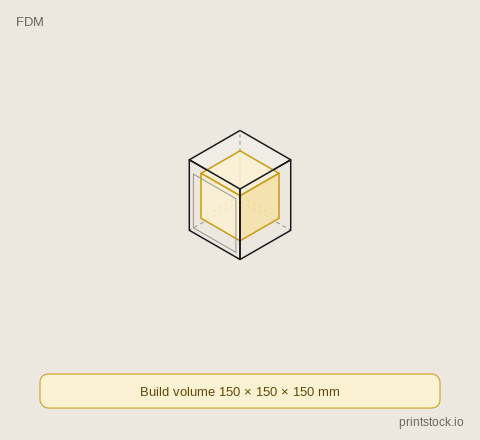
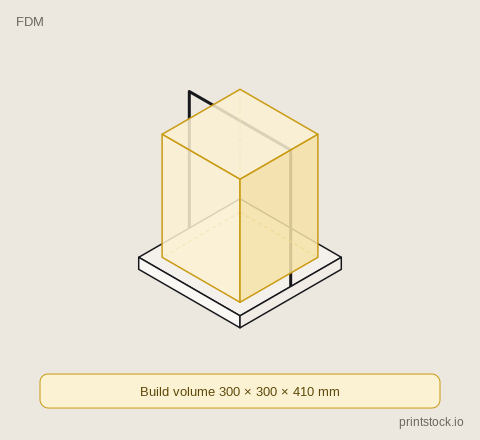
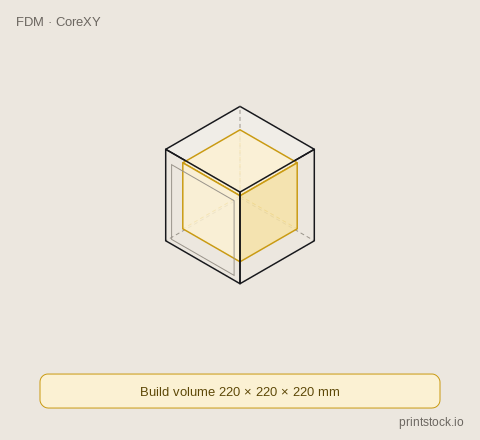
FDMCoreXYEnclosed220 × 220 × 220 mm
Enclosed budget CoreXY printer with HEPA and carbon air filtration, a camera and a quick-release nozzle: 220 mm cube build volume, built for PLA, PETG and TPU with room for ABS and ASA.
- Most nozzles of the 38 FDM printers under $500 we list
Where to buy
Prices as of Nov 11, 2026Taxes, shipping and any import duties are worked out by the store at checkout and depend on your country; ask the store if in doubt.
Store links may be affiliate links: we may earn a commission, and it does not change your price. Affiliate disclosure
Overview
The Adventurer 5M Pro is the enclosed version of Flashforge's Adventurer 5M: the same CoreXY motion, direct drive extruder and auto-leveling, inside a closed chamber with HEPA and activated carbon filtration. The filter is the main reason people choose it, for example for a classroom, study or office where an open printer's fumes and particles are a concern.
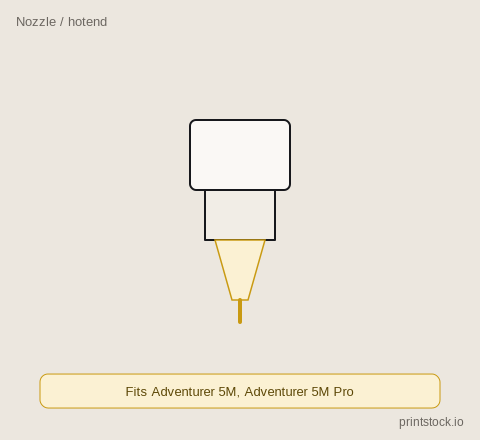
The nozzle tops out at 280 °C, so it suits PLA, PETG and TPU best; the enclosure also helps with ABS and ASA, and a 0.6 mm hardened-steel nozzle in the box handles carbon-filled PLA and PETG. Nozzles use Flashforge's own quick-release design, which makes swaps easy but means standard V6 nozzles do not fit.
The build volume is a 220 mm cube, smaller than the 256 mm Bambu P-series, and it is a single-color printer: for four colors on the same platform, Flashforge sells the AD5X. At our last check it was $379 at the Flashforge store.
Best for
- Classrooms, offices and bedrooms where filtered air matters
- An enclosed printer for PLA, PETG, TPU and some ABS and ASA on a budget
- Beginners who want auto-leveling, a camera and easy nozzle swaps
Look elsewhere if
- You want multi-color printing: look at the AD5X or a printer with an AMS
- You need parts larger than 22 cm
- You want to use standard V6 nozzles and hotend upgrades
Before you buy
- Nozzles are proprietary quick-release units; buy spares from Flashforge or compatible sellers.
- The HEPA and carbon filters wear out; owners report replacing them after a few hundred hours of ABS printing.
- Use the 0.6 mm hardened-steel nozzle (included) for carbon-filled filaments, not the 0.4 mm stainless one.
- Re-run leveling after swapping the build plate or nozzle; Flashforge's FAQ covers first-layer over-extrusion after a plate change.
Pros and cons
Pros
- Enclosed with HEPA and carbon filtration
- Quick-release nozzle, two nozzles in the box
- Fast CoreXY with auto-leveling and a camera
- Quiet low-noise mode
Cons
- 220 mm cube build volume
- 280 °C nozzle limit
- Proprietary nozzles; single color only
What owners like
Robust, fast and reliable
Praised by most owners3DPrint.com found it robust, fast and reliable across materials, impressive for its price.
Enclosed with HEPA and carbon filtration
Often praisedReviewers like the enclosure with air recirculation and HEPA filters, good for ABS at home.
No assembly needed
Often praisedIt only needs unpacking before a quick setup.
Collected the same way as known issues: from independent reviews, owner reports and public discussions, merged and grouped.
Known issues
Last reviewed Nov 13, 2026Popular models have longer lists simply because more people own them and talk about them. Severity and status show how much each problem matters today.
Extruder board loses contact
Moderate (affects prints)Workaround availableThe nozzle reads -40 or 0 degrees C when the extruder cable works loose in the longer enclosed run.
Host error mid-print
Moderate (affects prints)Workaround available"Host Error, please Restart!" stops prints, possibly from SoC overheating or a firmware memory leak.
Partial clogs and inconsistent extrusion with PLA
Minor (annoyance)Workaround availableFlashforge's wiki has a dedicated procedure for PLA clogs on the 5M and 5M Pro that show as weak or fuzzy extrusion, including removing the extruder while it is still warm.
Camera and host errors on the Pro
Minor (annoyance)Workaround availablePro-specific reports include a "Failed to enable the camera" error and "Host Error, please restart" mid-print, the latter often linked to a static IP setting in the network menu.
First-layer problems after changing plate or nozzle
Minor (annoyance)Workaround availableFlashforge documents over-extrusion on the first layer after switching from the textured to the smooth PEI plate, and a nozzle too close or too far after auto-leveling. Re-leveling and adjusting the Z offset fixes it.
Loud chamber fan
Minor (annoyance)Workaround availableThe auxiliary fan bracket resonates, pushing noise over 50 dB in enclosed mode.
Filter saturates and smell leaks
Minor (annoyance)Workaround availableThe HEPA and carbon cassette saturates after 300 to 500 hours, letting odor escape.
Sub-par software at launch
Minor (annoyance)Still reportedReviewers found the hardware strong but the software experience weak.
How we build this list: we collect independent reviews, owner reports and public discussions on forums and social networks, merge duplicates and group them by cause. Only serious or recurring problems make the list, so a single complaint will not appear here, and a listed problem does not mean every unit is affected.
Specs
Printing
- Type
- FDM
- Build volume
- 220 × 220 × 220 mm
- Kinematics
- CoreXY
- Max speed
- 600 mm/s
- Max acceleration
- 20,000 mm/s²
- Multi-color
- No
- Nozzles / toolheads
- 1
- Materials
- PLA, PETG, TPU, ABS, ASA, PLA-CF, PETG-CF
- Layer thickness
- 0.1 to 0.4 mm
- Precision
- ±0.2 mm (100 mm cube test)
- Materials
- Recommended: PLA, PETG, TPU (0.4 mm nozzle). Also ABS, ASA, PLA-CF and PETG-CF (0.6 or 0.8 mm nozzle)
Extruder and bed
- Extruder
- Direct drive
- Stock nozzle
- 0.4 mm (0.25, 0.4, 0.6 and 0.8 mm)
- Nozzle / hotend
- Quick-release nozzle
- Max nozzle temp
- 280 °C
- Filament
- 1.75 mm
- Build plate
- Flexible PEI steel plate
- Max bed temp
- 100 °C
- Bed leveling
- Automatic
- Enclosure
- Yes
Control and sensors
- Screen
- Touchscreen, 4.3 in
- Features
- Input shapingPower-loss recoveryFilament runout sensorAir filterSilent mode
Files and setup
- Arrives
- Partly assembled (quick setup)
Toolhead
- Nozzles
- 0.4 mm stainless steel installed, 0.6 mm hardened steel included; 0.25 and 0.8 mm optional
Bed
- Max bed temperature
- 110 °C
Features
- Air filtration
- Internal and external circulation, HEPA plus activated carbon
- Camera
- Built-in monitoring camera
Connectivity
- Interfaces
- Wi-Fi, Ethernet, USB
From maker and store specifications, checked Nov 12, 2026. Power, size, network and warranty are in their own blocks below.
Power and setup
Electricity
- Rated power
- 350 W
Network and cloud
- Works without internet
- Yes, fully (SD card / USB / LAN)
- Maker account
- Only for cloud / remote features
- Local control for other software
- Limited or behind a special mode
- Slicers from other makers
- Supported
- Note
- Prints over Wi-Fi or from a USB drive. Flashforge's Orca-based slicer sends jobs through its cloud (WAN mode, Flashforge account) or directly in LAN Only mode; the Flash Maker app needs the cloud. Third-party tools reach it in LAN-only mode with the LAN access code.
Space and room
- Size (W × D × H)
- 380 × 400 × 453 mm
On a standard power circuit
- US 15 A / 120 V standard circuit: fine, and about 1,050 W stays free for other things on that circuit while it heats up
- EU/UK 16 A / 230 V standard circuit: fine, and about 2,550 W stays free for other things on that circuit while it heats up
Our calculation from the maker's rated power, keeping a circuit at 80% for long loads.
Safety and support
Safety
- Air filtration
- HEPA filter + Activated carbon filter
- Noise (maker figure)
- 50 dB, low-noise mode; 55 dB standard (maker)
Warranty and repair
- Warranty
- 12 months; 12-month limited warranty on the printer, 3 months on extruder parts; only for authorised dealers and the official store
Running costs
| PLA filament, per kg | Cheapest in our catalog: Elegoo PLA Basic | $9.34 |
|---|---|---|
| Spare nozzle or hotend | Flashforge Adventurer 5M Nozzle Assembly | $35 |
Starter budget: about $423 for the printer at its best listed price, 1 kg of PLA and a spare nozzle.
Cheapest compatible items in our catalog, USD prices as last checked. Prices change; see each item for the date.
Software and firmware
- Slicer / control software
- Orca-Flashforge, FlashPrint; PrusaSlicer, Cura and OrcaSlicer profiles available
- Firmware
- Flashforge firmware, Klipper-based core
- Connectivity
- Wi-Fi, Ethernet, USB drive, Flashforge app and cloud
Official firmware and downloads ↗ We never host firmware files.
Questions people ask
Adventurer 5M or 5M Pro?
Same motion system, extruder and speed. The Pro adds the enclosure, HEPA and carbon filtration, a camera and the quick-release nozzle. Choose the Pro for ABS and ASA or for printing in a shared room.
Can the Adventurer 5M Pro print multi-color?
Not on its own; it is a single-nozzle, single-color printer. Flashforge's AD5X is the multi-color model on the same platform.
What nozzle does the Adventurer 5M Pro use?
Flashforge's quick-release nozzles. It ships with a 0.4 mm stainless steel nozzle installed and a 0.6 mm hardened steel nozzle in the box; 0.25 and 0.8 mm are optional.
What filament can the Adventurer 5M Pro print?
Flashforge recommends PLA, PETG and TPU with the 0.4 mm nozzle, and lists ABS, ASA, PLA-CF and PETG-CF with the 0.6 or 0.8 mm nozzle. The nozzle reaches 280 °C and the bed 110 °C.
Models proven to print on the Flashforge Adventurer 5M Pro
Coming soonFilaments that fit (78)
Matched by PrintStock from published specs: filament diameter, the materials Flashforge lists for this printer. Not a print test.
- PETG
- Anycubic PETG, Bambu Lab PETG Basic, Bambu Lab PETG Matte, Creality Hyper PETG, Elegoo PETG Pro, Elegoo Rapid PETG, eSUN PETG, eSUN PETG-Matte, Overture High Speed PETG, Polymaker PETG, Polymaker PolyLite PETG, Prusament PETG, Spectrum PETG, Spectrum PETG Premium High Speed, SUNLU PETG, SUNLU PETG 2.0
- PLA
- Anycubic PLA+, Anycubic PLA Basic, Anycubic PLA High Speed, Anycubic PLA Silk, Bambu Lab PLA Basic, Bambu Lab PLA Matte, Bambu Lab PLA Silk+, Bambu Lab PLA Translucent, Creality Hyper PLA, Creality Hyper PLA RFID, Elegoo PLA, Elegoo PLA Basic, Elegoo PLA Matte, Elegoo PLA Pro, Elegoo PLA Silk, eSUN PLA+, eSUN PLA Basic, eSUN PLA+HS, eSUN PLA-Matte, eSUN PLA-Silk Rainbow, Overture Easy PLA, Overture Matte PLA Dual Colors, Overture PLA+, Overture Silk PLA Gradient, Polymaker Panchroma PLA, Polymaker Panchroma PLA Matte, Polymaker Panchroma PLA Silk, Polymaker PLA Pro, Polymaker PolyLite PLA, Polymaker PolyLite PLA Pro, Polymaker PolyLite Silk PLA, Polymaker PolyMax PLA, Polymaker PolyTerra PLA, Prusament PLA, Spectrum Huracan PLA, Spectrum PLA, Spectrum PLA Pro, Spectrum Premium PLA High Speed, SUNLU High-Speed PLA, SUNLU PLA+ 2.0, SUNLU Silk PLA+ 2.0
- ABS
- Bambu Lab ABS, Creality Hyper ABS, Elegoo ABS, Polymaker PolyLite ABS, Siraya Tech Fibreheart ABS HT HF, SUNLU ABS
Compatible accessories
Everything that fits the Flashforge Adventurer 5M Pro
$95 as of Nov 12, 2026Check price
$49.99 as of Nov 12, 2026Check price
$15.30 as of Nov 12, 2026Check price
$39.99 as of Nov 12, 2026Check price
Closest alternatives by price
Compare all side by side